
Can I use 70 Alcohol to Clean CPU? Yes, you can safely use 70% isopropyl alcohol (IPA) to clean your CPU. While higher concentrations like 90% or 99% IPA are preferred for faster drying, 70% works well when applied carefully. Use a small amount on a lint-free cloth, remove dust or thermal paste gently, and let the CPU dry completely before reinstalling.
Properly cleaning your CPU prevents damage to delicate pins and circuits, ensures efficient heat transfer, and prolongs the lifespan of your processor. Neglecting cleaning can lead to overheating, reduced performance, or even permanent hardware damage.
In this guide, you will learn how to safely clean your CPU with 70% alcohol, including step-by-step instructions, expert tips, and common mistakes to avoid.
What is Isopropyl Alcohol (IPA)?
Isopropyl Alcohol (IPA) is a common solvent for cleaning, disinfecting, and degreasing. In PC maintenance, 70% IPA is often used to clean CPUs and other electronics safely, as it evaporates quickly without leaving residue.
The Different Concentrations Between 70% vs 90% vs 99%:
Concentration Best Use Key Characteristics:
| Concentration | Best Use | Key Characteristics |
|---|---|---|
| 70% IPA | General cleaning | Balanced cleaning and evaporation |
| 90% IPA | Electronics & surfaces | Faster evaporation; safer for sensitive parts |
| 99% IPA | Precise cleaning | Quick drying; minimal residue |
Common Mistakes to Avoid When Cleaning a CPU
- Using too much alcohol → longer drying and higher risk of damage
- Cleaning CPU while installed → liquid may drip on other components
- Not using an anti-static workspace → always remove CPU and clean on a flat, static-safe surface
When and How to Use 70% Alcohol on Your CPU?
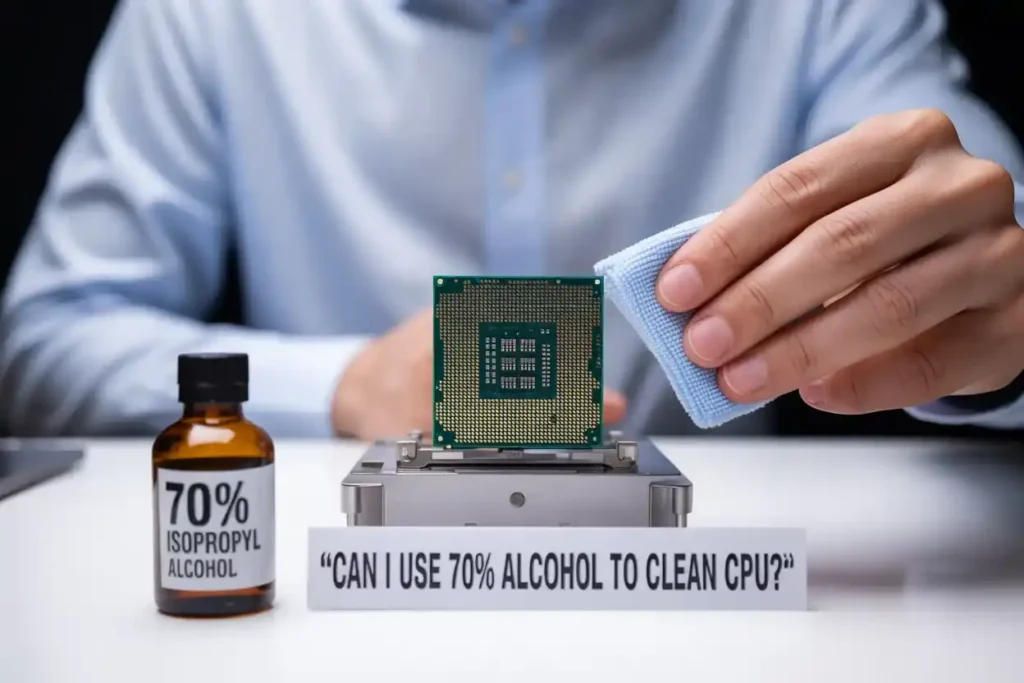
70% Alcohol is acceptable for cleaning a CPU when removing dust or thermal paste. Its slower evaporation rate allows for more controlled cleaning, reducing the risk of moisture damage.
Step-by-Step Guide to Clean Your CPU and Motherboard:
- Gather Materials:
- 70% isopropyl alcohol
- Lint-free cloth
- Cotton swabs
- Soft brush (optional)
- Anti-static wrist strap (optional)
- Wear an anti-static wrist strap to prevent static damage.
- Avoid touching the CPU pins with your fingers or any metal objects. Even a small bend can prevent proper installation or cause permanent damage. Always handle the CPU by its edges.
- Clean the Motherboard/CPU:
- Wipe dust and grime with a lightly dampened cloth.
- Use a soft brush for stubborn dust.
- Use cotton swabs for tight spots around connectors or the CPU socket.
- Let it Dry:
- Wait 15–20 minutes to ensure no moisture remains.
By following these steps, you can safely clean your motherboard with 70% isopropyl alcohol, ensuring its proper function without harming sensitive parts.
Also read: What is a Motherboard in a Computer? A Complete Guide 2025!
Comparing 70% vs 99% IPA for Electronics:
- 70% IPA: Ideal for general cleaning; balances evaporation and cleaning power.
- 99% IPA: Best for sensitive electronics; faster evaporation and residue-free, minimizing moisture risk.
Safety Rules for Cleaning Any PC Component
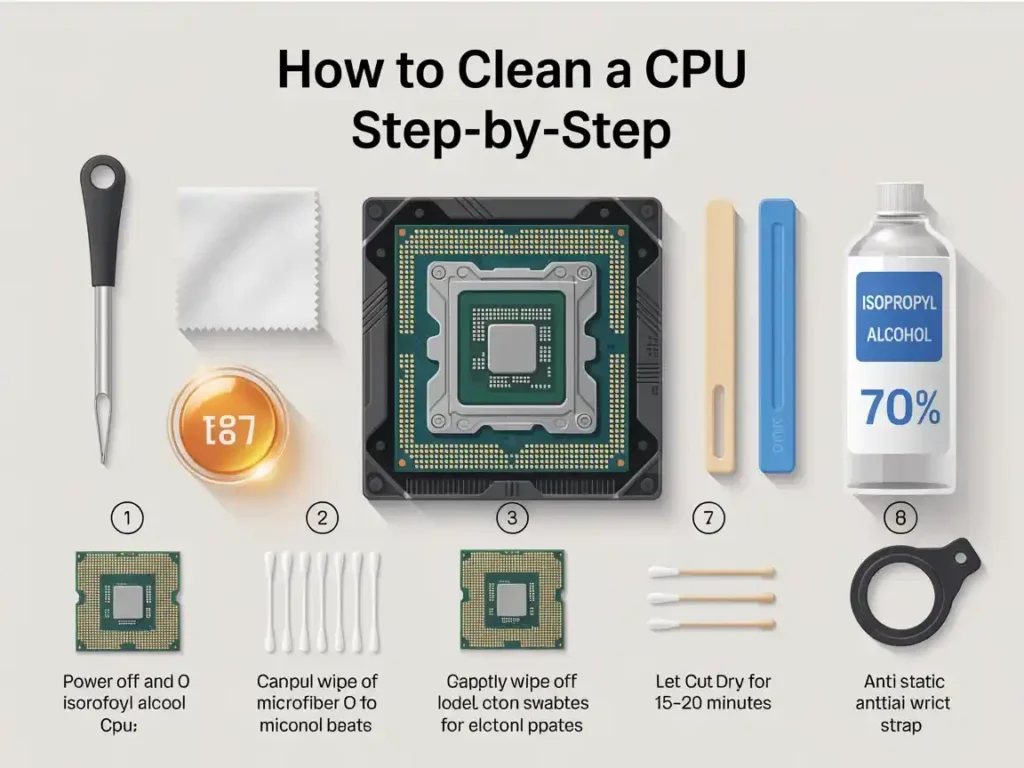
Please follow the instructions for safety rules.
- Power off and unplug before cleaning
- Never pour alcohol directly; use cloth or swab
- Avoid excess liquid
- Let all parts dry 15–20 minutes before powering on
Alternative Cleaning Solutions:
When you do not have isopropyl alcohol?
If you are out of IPA:
- Use high-purity acetone (rare and tricky)
- Use dedicated thermal paste removers available online.
- Avoid anything water-based.
What you should never use?
- Water or soap – invites corrosion and shorts
- Glass cleaners – contain ammonia and other residues
- Household alcohol with fragrance – often leaves residue or film.
Real-World Experiences and Advice:
What tech experts say?
Most PC repair pros swear by 99% IPA. But if you are careful, 70% will get the job done.
Community opinions and forum feedback:
All echo the same sentiment: 70% is okay in a pinch, but dry time is critical. Furthermore, be careful not to soak your CPU like a sponge.
Conclusion: Can I use 70 Alcohol to Clean CPU?
70% isopropyl alcohol is safe to clean your CPU if used correctly. While 90% or 99% IPA is preferred for faster drying, careful use of 70% IPA removes dust and thermal paste effectively, preventing damage and maintaining CPU performance.
Following these steps ensures your CPU stays clean and efficient. If you are upgrading or reapplying thermal paste, check our guides on CPU installation and cooling solutions to complete the process safely.
Have questions or tips to share? Email us at techydialogue@gmail.com.
FAQs:
Can I safely use 70% alcohol to clean other electronics?
Yes, 70% isopropyl alcohol is safe for most electronics, including phones, keyboards, and monitors, as long as excess moisture is avoided.
How long should 70% alcohol take to dry on a CPU?
After cleaning, wait 15-20 minutes for the Alcohol to evaporate completely before reassembling the CPU to avoid moisture-related issues.
Can 70% alcohol clean GPU fans?
Yes, 70% alcohol is effective for cleaning GPU fans.
How much thermal paste should I apply to a CPU?
Typically, 1 gram of thermal paste is enough for one CPU. This is sufficient to ensure proper coverage without excess.
Have Questions or Tips on Using 70% Alcohol to Clean Your CPU?
We’d love to hear from you! Share your experiences, cleaning techniques, or any challenges you have faced. Do not hesitate to ask if you are unsure about the process or have specific questions. We are here to help!
Feel free to email us your insights or queries. If you found this guide helpful, share it with fellow tech enthusiasts who are looking to maintain their hardware. Happy cleaning!
Let me know if you’d like any adjustments or additional content!